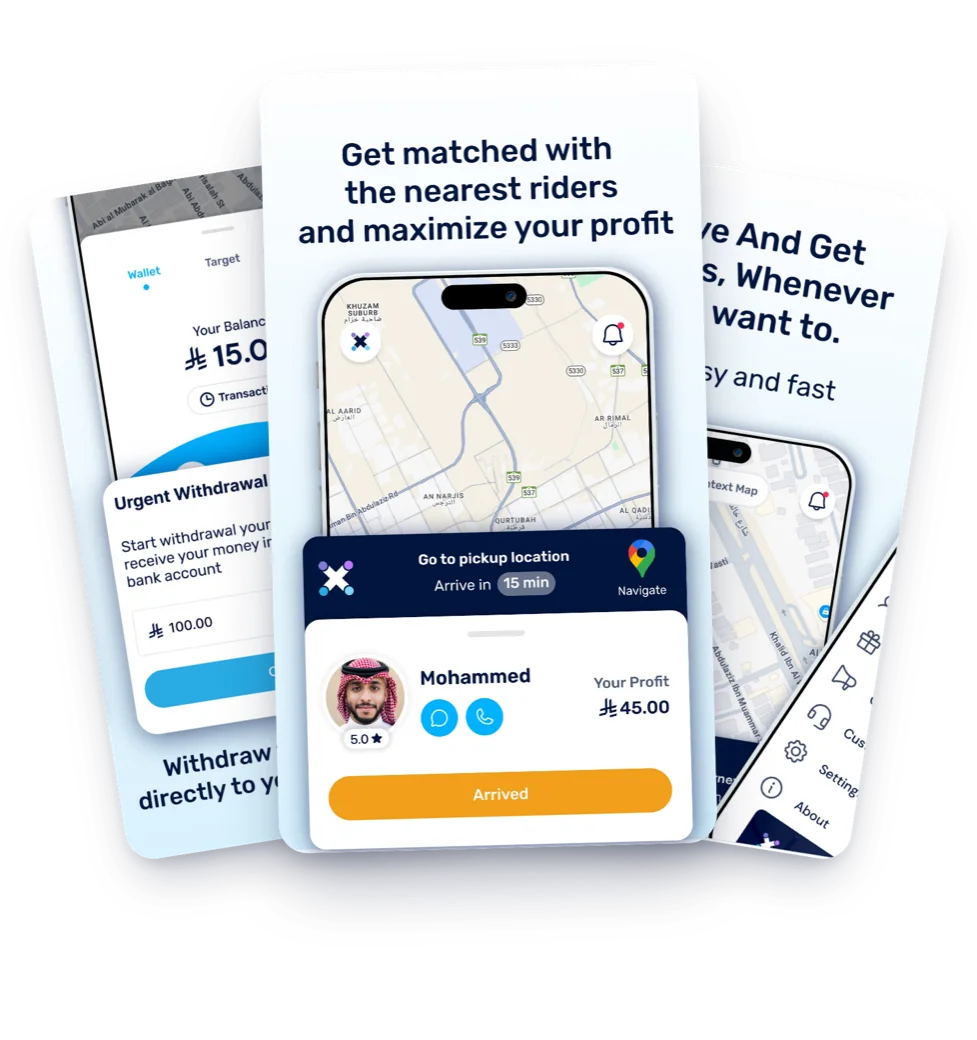
Requests near you
Requests come from the area nearest to you.


Download the drovox Hero app, enter your details, and upload the required documents. You can receive ride requests once your account is active.
From the App Store or Google Play.
Your name as it appears on your ID, including your name in English where the app asks for it.
National ID, driving license, vehicle registration and insurance.
Follow the instructions in the app to verify your identity.
Enter the IBAN for a bank account in your name when prompted in the app.
Your details and documents will be reviewed. You can receive ride requests once your account is active.
A short walkthrough from the official drovox channel: your details, your documents, your name in English and your IBAN.
Requests come from the area nearest to you.
You can turn ride requests on or off in the drovox Hero app.
Find details of your ride earnings in your drovox Hero account.
For help with your application or account, visit the Driver Help Center.
Review the request before accepting it. Follow the app instructions to update the ride status when you arrive to pick up the rider and as you complete the ride.
Download drovox Hero and complete your registration today.